
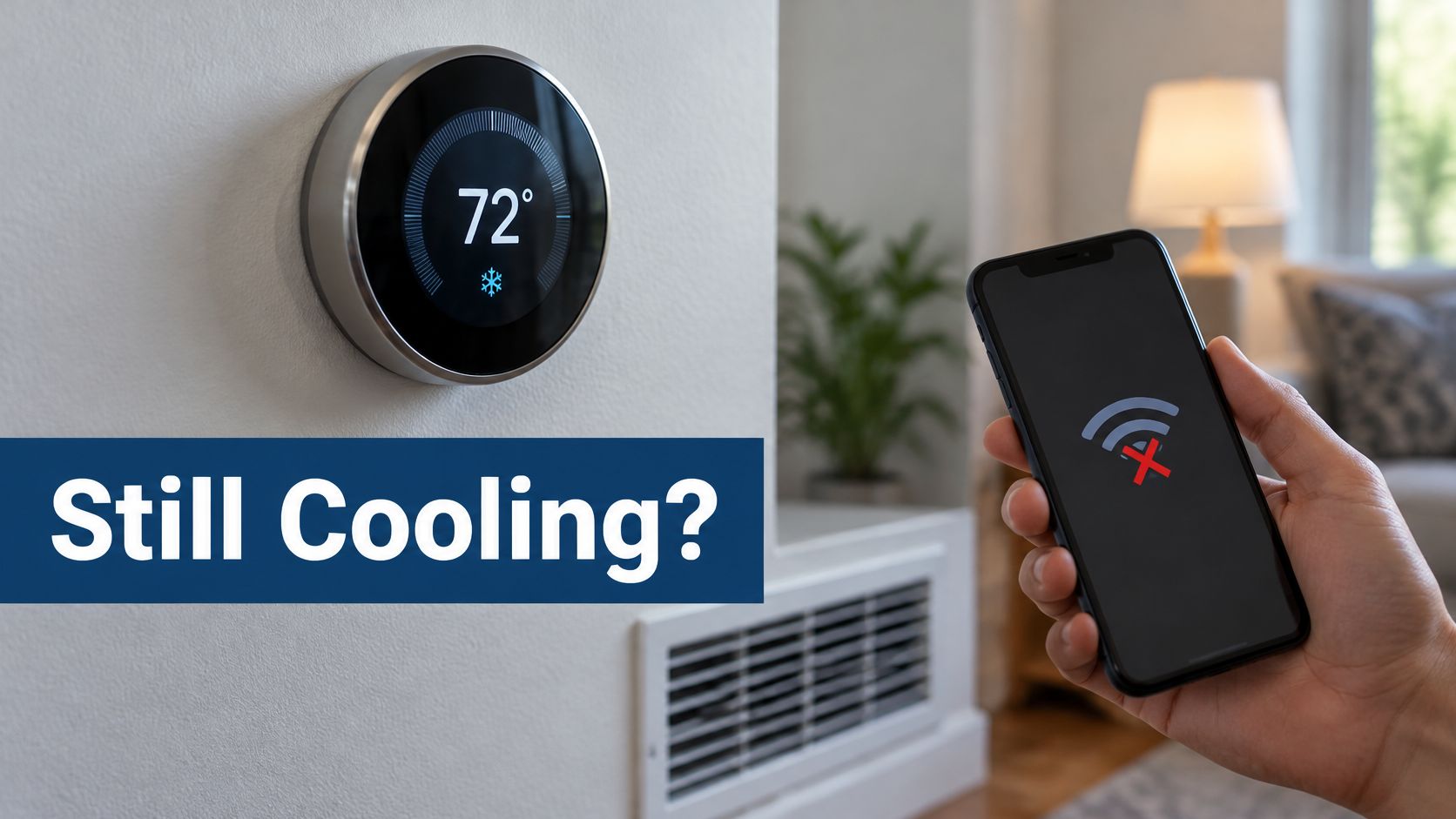
In most cases a smart thermostat still controls heating and cooling locally without Wi-Fi, but app, remote, and cloud features pause until the connection returns. An offline phone screen is not the same event as a stopped air conditioner.
People often treat a dead app as proof the cooling system failed. On a Mesa afternoon that mix-up sends someone chasing the router while the wall unit is still calling for cold air, or the reverse, waiting on the network while the equipment never started. The useful split is which path failed: internet, thermostat power, or the air conditioner itself.
What Keeps Running Without Wi-Fi
A smart thermostat can keep commanding the furnace or air conditioner after the home network drops. Phone control, remote changes, and cloud features stay paused until that connection comes back.
Three paths sit behind the wall plate, and only one of them is the internet. Power keeps the thermostat alive. Wall controls send the heating or cooling call through the equipment wiring. The network path only carries the app and cloud services. A streaming TV still shows its cable channels and answers its remote when the internet drops. The streaming apps go dark. The thermostat splits the same way.
ENERGY STAR connected-thermostat requirements say that when connectivity to the service provider is absent, qualifying devices should still let occupants locally view room temperature, view and adjust the setpoint, and switch among off, heating, and cooling modes. A schedule already saved on the device may keep running. Editing that schedule, and any learning behavior, follows the model rather than a single rule for every brand.
The first check is at the wall. Confirm the display shows the room temperature, then raise or lower the setpoint a few degrees and see whether the system answers. On an East Valley afternoon those wall controls matter more than the app. Homeowners who want to lower Arizona summer cooling bills still need a schedule the thermostat can run on its own when the network is down.
Local Controls, Stored Schedules and Internet Features Compared
Does a smart thermostat work without Wi-Fi? It depends on the model, and on which function you mean. Treat the unit as three separate layers. Mixing those layers is how an outage turns into a false alarm.
Local controls sit on the wall: room temperature, setpoint, and heat, cool, off, and fan. A stored schedule keeps basic timing only when that schedule lives on the thermostat, not on a manufacturer's server. Internet features cover remote changes, push alerts, weather data, geofencing, voice control, and cloud dashboards. Those stop or turn unreliable until the connection returns.
Google's Nest guidance shows the split on one brand. An offline Nest cannot be controlled through the app, but it can still be adjusted at the thermostat. Another brand may keep a device-saved schedule running while a cloud schedule stops. The detail that decides it is where that schedule is saved. I would not treat one brand's offline page as a promise for the next model on the shelf.
| Function | During a Wi-Fi outage | How to verify |
|---|---|---|
| Room temperature on the wall display | Usually continues while the thermostat has power | Compare the display with a separate thermometer |
| Setpoint change at the wall | Usually works at the wall | Raise or lower the setpoint a few degrees and confirm the system responds |
| Heat, cool, off, and fan modes at the wall | Usually works | Cycle through each mode and confirm the equipment responds |
| Schedule already saved on the thermostat | Often keeps running if the model stores it on the device | Check the manual for where the schedule is stored |
| Schedule edits from the app | Stops until reconnected | Test edits after the connection returns |
| Remote setpoint change from a phone | Stops | Confirm the change in the app once online |
| Push alerts for temperature or maintenance | Not guaranteed during outages | Confirm the alert types in the model documentation |
| Weather-based adjustment | Pauses without cloud weather data | Check the model documentation |
| Geofencing (home and away detection) | Stops or becomes unreliable | Check the model documentation |
| Voice control through an assistant or hub | Stops if the cloud or hub path is down | Check the assistant and thermostat documentation |
| Energy history and cloud dashboard | Paused; data syncs after reconnection | Check the app after reconnection |
The middle column is typical behavior, not a guarantee for every unit. Confirm the exact offline behavior in that model's manual or the maker's offline FAQ, such as a Sensi or Copeland Wi-Fi outage FAQ, a Honeywell Home Wi-Fi-loss FAQ, or the Trane smart thermostat FAQ plus that model's manual. A general feature list is not proof for one thermostat. Before treating any offline claim as settled, readers comparing hardware can compare smart thermostat costs and benefits. Homes with additions or closed-off rooms may also want room-by-room comfort for hard-to-cool spaces rather than one setpoint for the whole house.
Routing a No-Cooling Call Between Wi-Fi, Power and Equipment
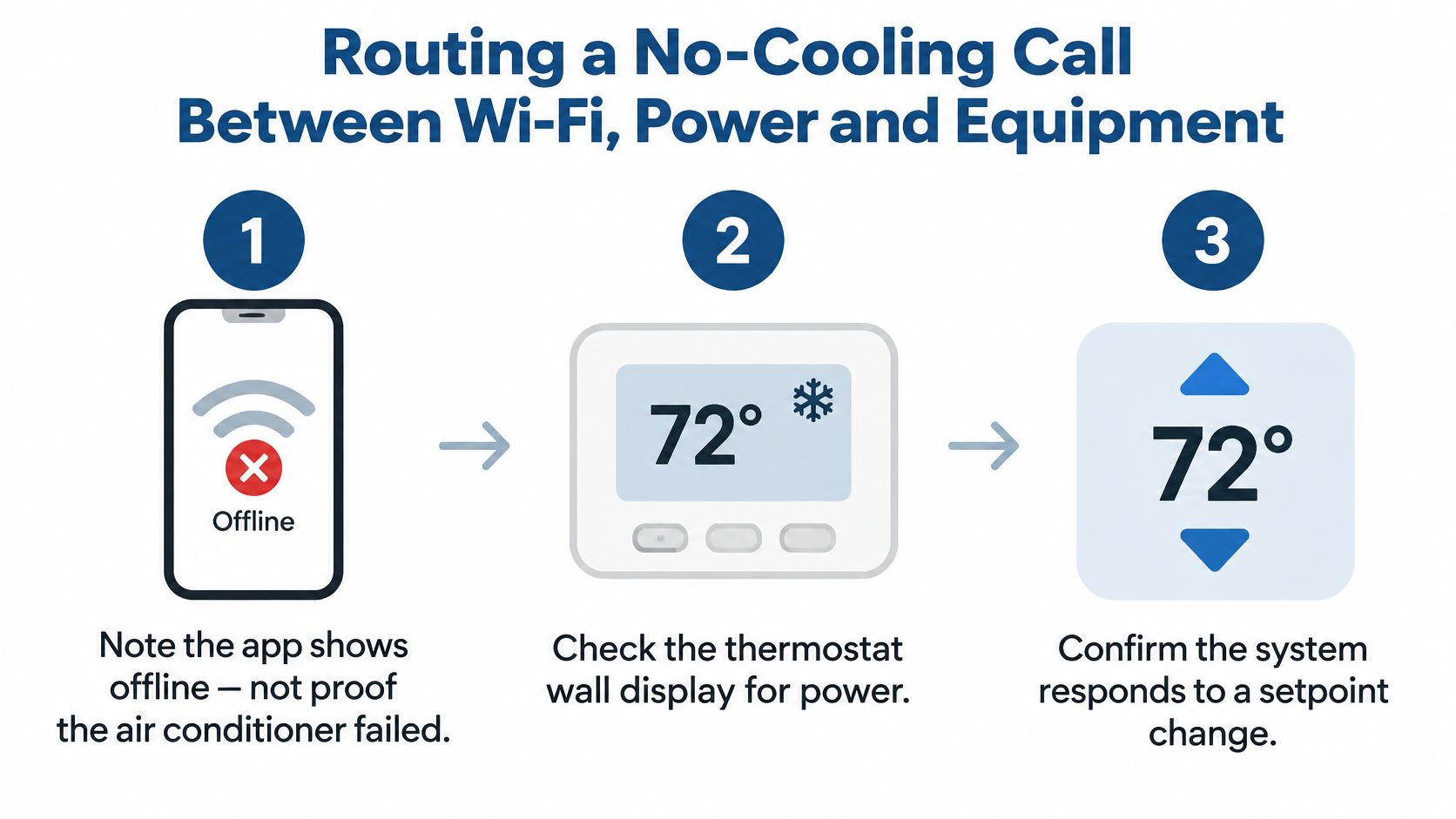
An app that shows offline is not proof the air conditioner failed. Wi-Fi is not what powers the HVAC call. The thermostat's low-voltage control circuitry and the equipment wiring do that work.
ENERGY STAR's smart thermostat FAQ lists a static temperature-accuracy requirement of no more than ±2.0°F for certified smart thermostats and a network-standby average-power limit of 3.0 W. Those network functions are an extra electrical load, not the mechanism that makes cold air. Loss of internet removes remote access. Loss of 24-volt control power, a blown low-voltage fuse, or incompatible wiring can disable the thermostat itself.
Skip any factory reset and skip rewiring. Note what is happening, then sort it.
- Write down the wall setpoint, the time the problem began, and whether the air is cool, warm, or not moving.
- Look at the wall display. A blank screen means the thermostat has no power, which is a separate problem from Wi-Fi. A low battery on some models is one power path, and published safe thermostat battery swap steps cover that narrow case when the manual calls for a battery.
- If the display is lit, change the setpoint by a few degrees and listen for the system to respond.
- Check whether other devices in the home can reach the internet. If they cannot, the router or the internet service is the likely cause.
- If the thermostat responds and the system runs but the air stays warm, stop and call for service.
| What you see | Likely source | Next check |
|---|---|---|
| App offline, wall display lit, system cools | Home Wi-Fi, router, or internet | Restore the network later; wall controls work in the meantime |
| App offline, wall display blank | Thermostat has no power | Check the power source against the manual; ask neighbors whether power is out |
| Display works, setpoint change gets no response | Control wiring, compatibility, or thermostat fault | Call for service; do not reset or rewire |
| Display works, system runs, air stays warm | Equipment or airflow issue | Call for service; check the filter only if the manual says to |
This table is triage. It does not diagnose refrigerant, wiring, or the equipment. Homeowners who want a wider symptom list can diagnose AC problems at home and then stop at the point where tools or panels would be required.
Setup Needs Versus Ongoing Network Needs
Installation and daily operation are different jobs. Compatibility is settled before the thermostat goes on the wall, not during an afternoon outage.
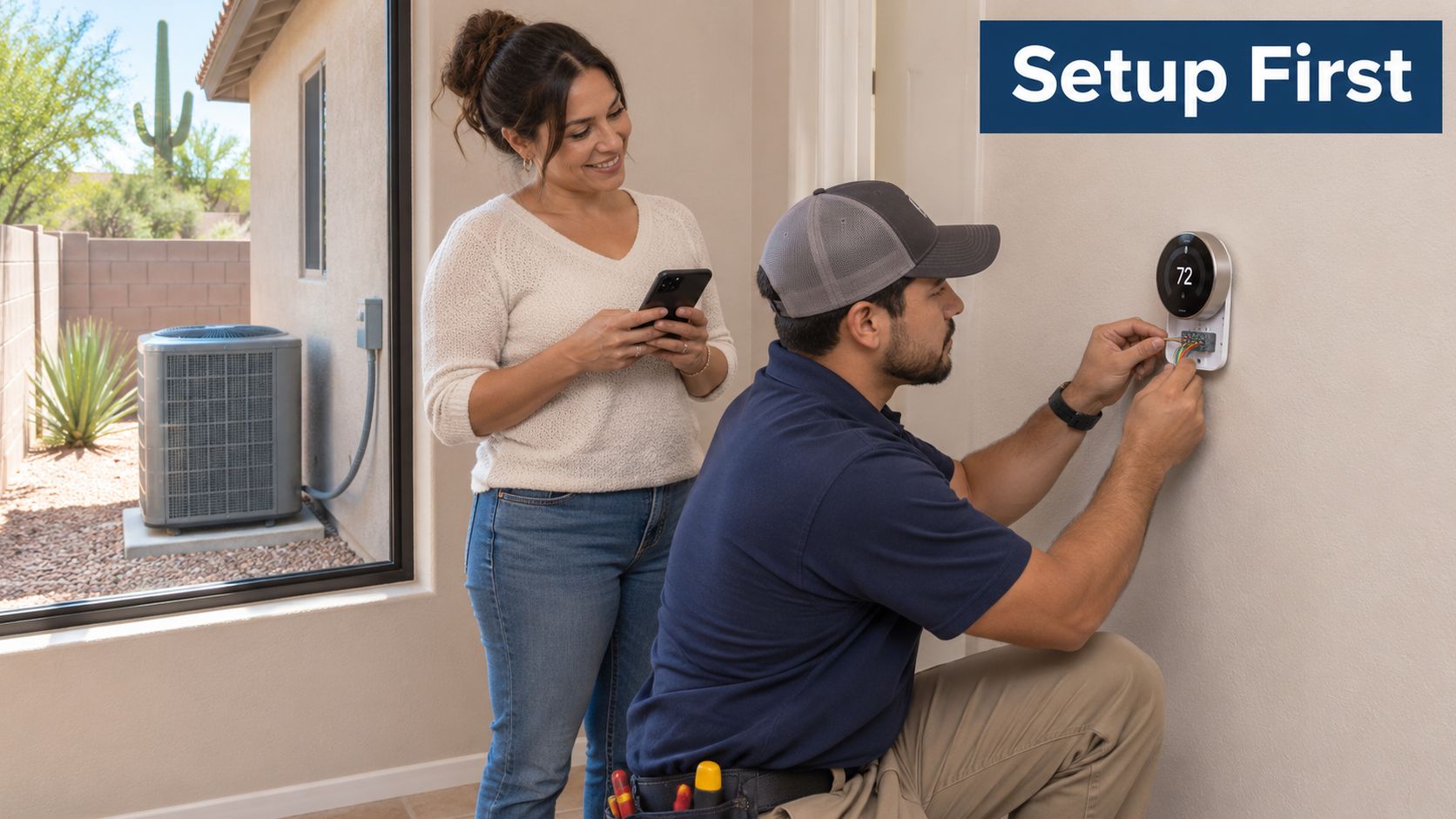
At setup, the thermostat has to match the system. Heat pumps, auxiliary heat, dual fuel, zoning, and communicating controls use different terminals and configuration logic. The power arrangement, often a common wire or an approved alternative, is part of that same check. A technician confirms local operation before leaving: a setpoint change at the wall, a pass through heat, cool, and off, and a look at the model documentation for whether the schedule is stored on the device.
After that visit, the router and internet are what the app, push alerts, weather data, cloud dashboards, and software updates need. The wall controls do not wait on those services. Placing the thermostat within a reasonable range of the router is a setup choice that cuts needless dropouts, and it is decided once, not reworked every time the app blinks offline.
Three checks close a proper setup.
- Compatibility confirmed: the model supports the equipment type and the power arrangement.
- Local control tested: the wall setpoint changes the system with the network ignored for a moment.
- Schedule storage confirmed: the manual says the schedule lives on the thermostat, or it does not.
Homeowners weighing installing a smart thermostat yourself against a service visit can use those three checks as the handoff. For heat pumps, zoning, or an older East Valley system, thermostat support from Comfort Experts is the point where compatibility and offline behavior get confirmed on site. This is not a programming walkthrough, and it is not a geofencing setup.
Where Remote Alerts and Monitoring Fall Short
Remote alerts are a convenience, not a guarantee. They need a working connection, and no alert should be assumed during an internet outage or a power failure.
A Department of Energy HVAC verification guide treats remote access as a core smart-thermostat capability, the part that lets occupants monitor and adjust heating and cooling through connected devices. Related federal guidance treats remote monitoring, outdoor-weather retrieval, and uploading data to a server as functions the network enables. When that path is down, the phone has nothing reliable to show.
A vacant East Valley house
A second home or rental that sits empty through a Mesa summer is the hard case. The app may show nothing useful for hours. The practical workaround is a person at the wall display, or a separate indoor thermometer that can be read without the network. If a power interruption also drops the internet, there is no remote warning, and a thermostat with no power has no wall control either.
After the connection returns, a change made at the wall may show up in the app. Check the app and the wall display together rather than assuming they match. Someone who wants to set up affordable network monitoring can watch whether the home network itself is up, which is a different job from trusting a temperature push notification.
When the Air Conditioner Itself Needs Service
Some signs point at the equipment, not the network. The thermostat can be online, lit, and still unable to produce cold air.
Watch for these:
- Warm air at the vents while the thermostat is calling for cooling.
- A breaker that trips more than once.
- Ice on refrigerant lines or the indoor coil.
- Water around the indoor unit.
- Grinding or banging from the equipment.
- Rapid start-and-stop cycling.
Long run hours and high outdoor heat in the Phoenix area make a struggling system easier to notice. A dirty filter can restrict airflow, so a filter check is reasonable only when the manual describes how to do it.
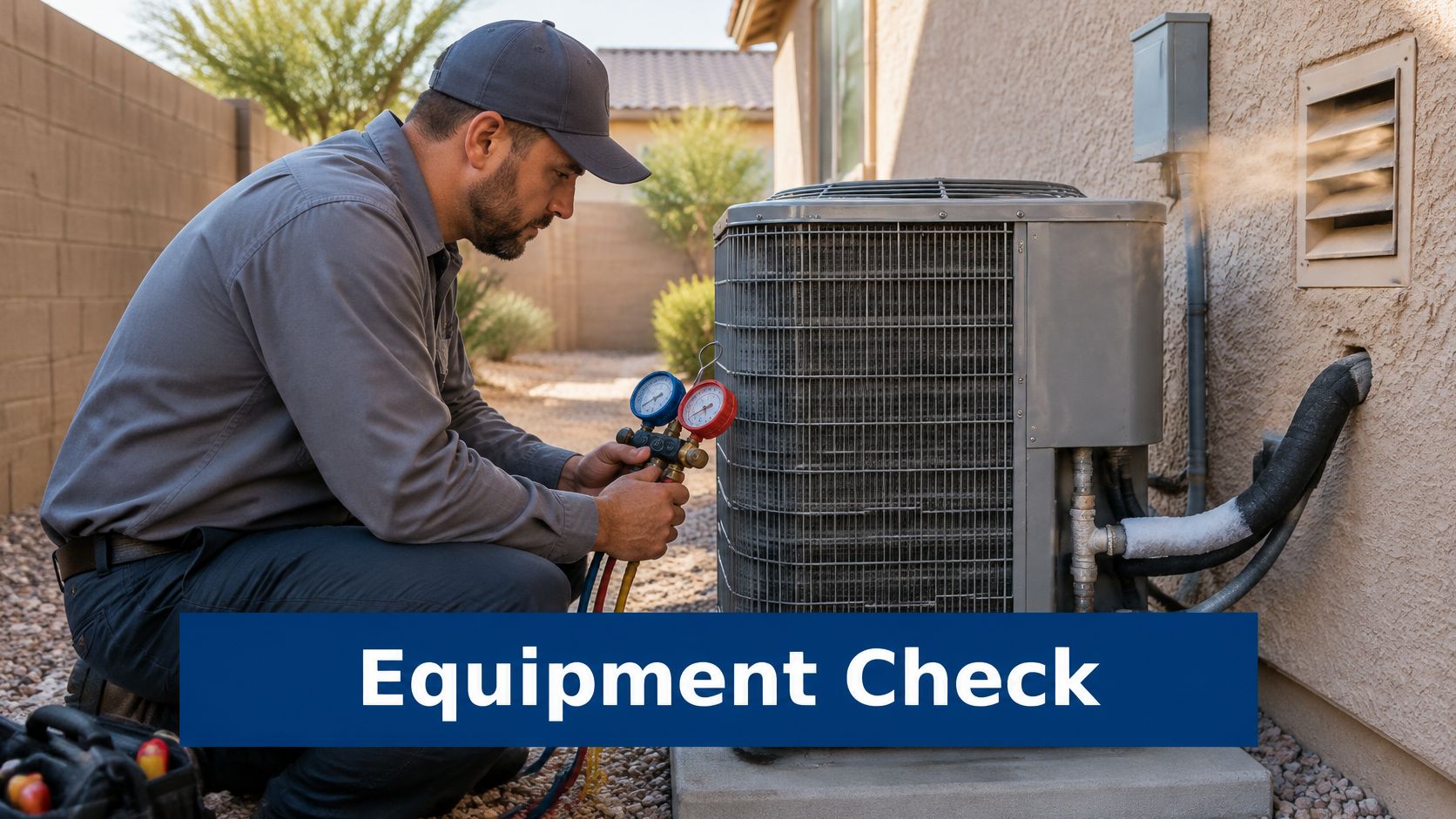
Stop at the cabinet. Do not open the service panel, touch electrical parts at the outdoor unit, add refrigerant, or rewire the thermostat. A burning smell, sparking, or a breaker that keeps tripping means setting the thermostat to off and calling for service. If anyone in the home is sensitive to heat, waiting for Wi-Fi to return is the wrong delay.
The connection can be restored later. A failed compressor, a refrigerant leak, or a control-board fault needs a technician with the right tools. That is the lane for AC repair in Mesa when the wall control is doing its job and the air is not.
Decide Whether to Schedule Service Today
Should you book a technician today, or wait until the network is back?
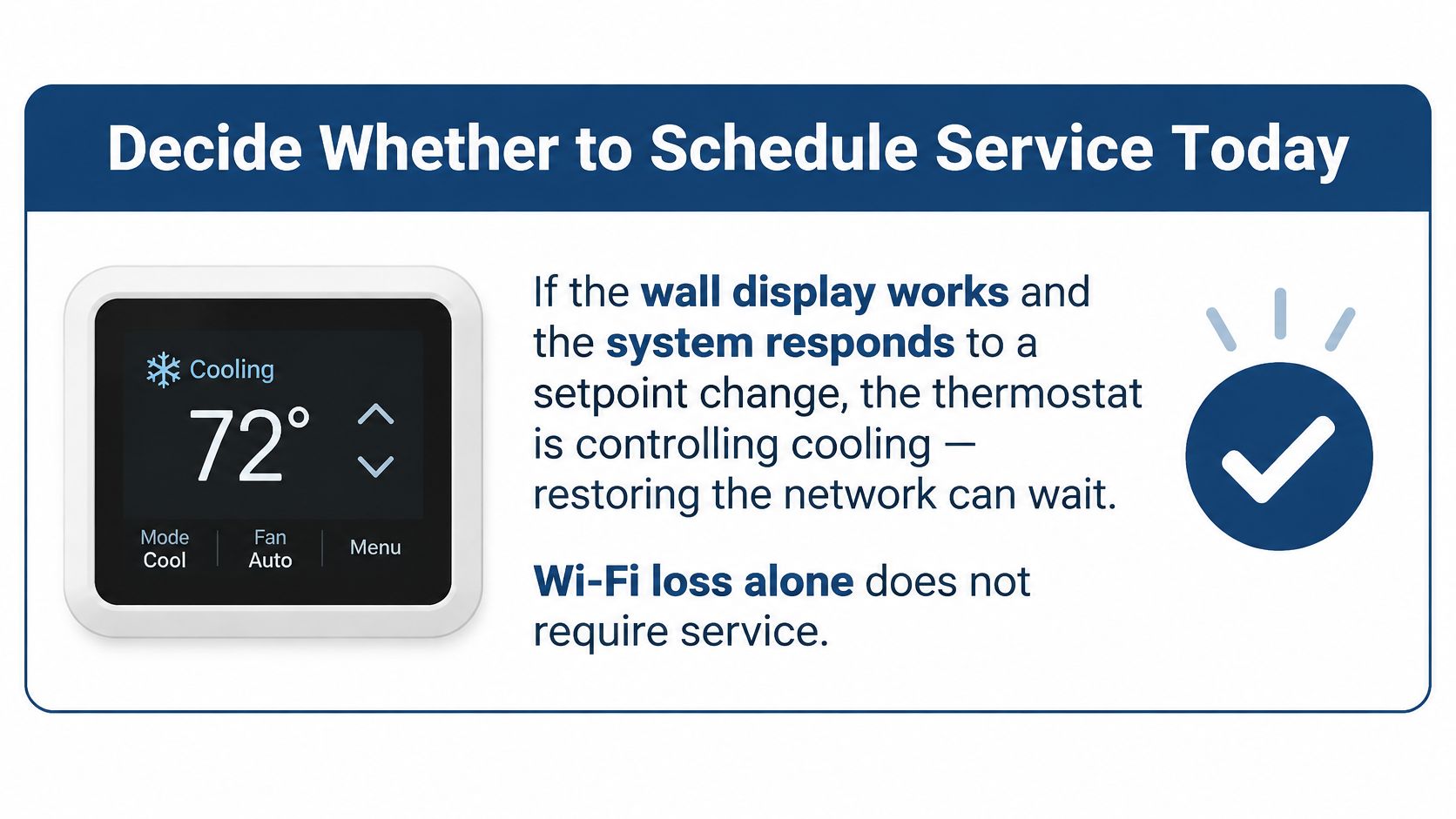
A lit wall display that answers a setpoint change means the thermostat is still controlling cooling. That is internet loss, and restoring Wi-Fi can wait. A display that stays blank after the power check in the manual is a different problem: the thermostat has no power, so local buttons and any stored schedule cannot run the equipment. The third case is the equipment itself. The display works, the setpoint changes, and the system still does not cool. I would schedule that visit the same day when the house is holding heat.
Comfort Experts is an active Trane Comfort Specialist and services and installs all HVAC brands, not only Trane equipment. You do not need the brand name before the visit.
A schedule stored on the thermostat keeps basic timing only on models that store it locally, and only while the display has power. App alerts are not available during an internet or power outage, so a missing alert neither proves the system failed nor clears it.
Mesa and East Valley homeowners can schedule service, and the technician will confirm the thermostat and system model on site, so no brand knowledge is required before calling.
Comfort Experts helps Mesa and East Valley homeowners sort a dark thermostat app from a real cooling failure, then repair or replace the equipment when the wall controls are not the problem. The team handles AC repair, thermostat work, heat pumps, and related heating and cooling service across the local market. Visit Comfort Experts to see services and request a visit.