
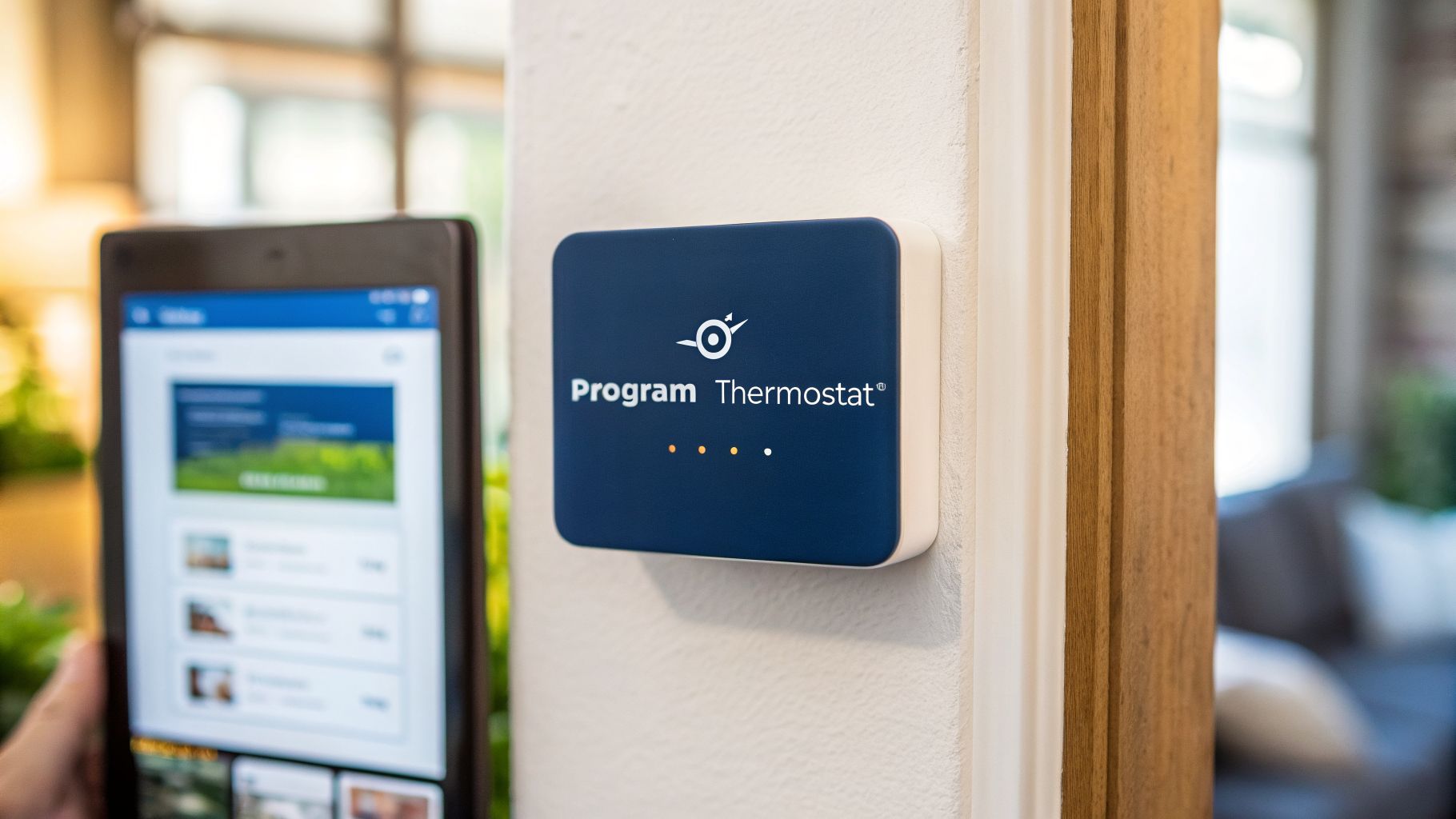
Feeling frustrated trying to find that sweet spot between a cool home and an electric bill that doesn't feel like a punch to the gut? Figuring out how to program a thermostat is one of the most powerful, yet simplest, ways to slash your energy costs, especially here in the relentless Arizona heat. This guide, built on our years of E-E-A-T (Experience, Expertise, Authoritativeness, and Trustworthiness) helping homeowners just like you, will walk you through everything from basic digital models to the latest smart systems, so you can finally make your thermostat work for you, not against you.
Your Guide to Smart Thermostat Programming in Phoenix
If your thermostat feels more like a stubborn roommate than a helpful tool, you’re not alone. We hear it all the time from homeowners across the Valley. Getting the programming right is the secret to unlocking serious savings on your SRP or APS bill and, just as importantly, making your home consistently comfortable without constantly fiddling with the temperature. You know what? It’s about taking back control.
The real win goes beyond just the money you save. A properly scheduled thermostat means you’re not waking up freezing or coming home to a hotbox. We get into all the details in our article covering the benefits of a smart thermostat, but this guide is about the hands-on “how-to.” We’re sharing the same practical steps we use in the field every day, based on our direct experience helping Phoenix residents achieve optimal home comfort.
Understanding Your Home's Thermostat
That little box on your wall controls your entire home’s comfort—and a big chunk of your APS or SRP bill. But not all thermostats are created equal. Before you can get it programmed just right, you need to know which type you’re working with.
Most Phoenix homes have one of three kinds: the classic manual thermostat, a digital programmable model, or a newer Wi-Fi-enabled smart thermostat. Let's figure out which one you have.
Thermostat Type Comparison at a Glance
To make it easy to spot the differences, here’s a quick look at the features and common uses for each type. This responsive table should give you a gut feel for where your thermostat fits in.
| Feature | Manual Thermostat | Programmable Thermostat | Smart Thermostat |
|---|---|---|---|
| Control Method | Manual dial or switch | On-screen buttons for scheduling | Smartphone app, voice commands, and on-screen controls |
| Scheduling | None—requires constant adjustment | Basic time-based schedules (e.g., 7-day, 5-2) | Advanced app-based scheduling, learning algorithms, and geofencing |
| Energy Savings | Depends entirely on user discipline | Good, if programmed correctly and not overridden | Excellent, thanks to adaptive learning and easy remote adjustments |
| Best For | Seldom-used areas or those who prefer simplicity | Budget-conscious homeowners who keep a consistent routine | Tech-savvy users, busy families, or anyone wanting maximum efficiency and control |
| Typical Phoenix Use | Older homes or a second-zone that's rarely used | Common in homes built in the 90s/2000s; a solid workhorse | The modern standard for new installs and energy-conscious homeowners |
As you can see, the jump from a basic programmable model to a smart one opens up a whole new world of control and efficiency.
Identifying Your Thermostat Model
Now, let's talk about what these types look like in the real world.
Manual thermostats are the simplest of the bunch. Think of a small box with a sliding lever or a round dial. They work, but they only do exactly what you tell them, right now. If you want to change the temperature, you have to get up and do it yourself. Honestly, in Arizona’s climate, this is the least efficient option.
Programmable thermostats were the standard for years. These digital models let you set a basic schedule—like one for weekdays and another for weekends (a 5-2 model) or even a different one for every day of the week (a 7-day model). They’re a big step up from manual, but programming them with those little buttons can be a pain.

Then we have smart thermostats. These are the devices leading the charge in home comfort today, and for good reason. They connect to your Wi-Fi, letting you control everything from an app on your phone. Many even learn your habits and adjust automatically to save energy.
It's no surprise that the global market for thermostats is booming, and North America accounts for over 38% of that growth. You can read the full research about this thermostat market trend for the nitty-gritty details. Here in Phoenix, our intense cooling needs make smart thermostats an especially popular upgrade, a trend we see firsthand in our daily service calls.
Knowing which model you have is the first real step, because the programming approach is completely different for a simple digital model versus a modern smart one. If you're thinking about making the switch, our guide on smart thermostat installation is a great place to start.
Programming a Standard Digital Thermostat
If your home has a standard digital thermostat, you’ve got a real workhorse. These are the common 7-day, 5-2, and 5-1-1 models we see all over Phoenix. Programming one can seem a little intimidating, but once you get the hang of it, you can pretty much set it and forget it.
Let's walk through it.

Before you touch any schedules, make absolutely sure the thermostat has the correct day and time. It’s a tiny detail that homeowners miss all the time, but it throws off every single setting you’re about to create.
If your schedule is already acting strange or the screen is blank, you might need to give it a quick reboot first. Our guide on how to reset an AC thermostat can walk you through that before you start programming.
The whole point here is to automate your comfort by matching the temperature to your daily life. You'll set specific temperatures for four key times: ‘Wake,’ ‘Leave,’ ‘Return,’ and ‘Sleep.’ This simple schedule does the work for you, saving energy without you even thinking about it.
Here’s the thing: mastering this schedule is the single biggest step you can take with a digital thermostat to lower your energy consumption. It’s a game-changer.
Mastering Your Wi-Fi and Smart Thermostat
The advice we give homeowners all the time is that a smart thermostat is only as smart as its setup. The real magic isn't in the device hanging on your wall—it's in the app on your phone.
Getting started means pairing the thermostat to your home’s Wi-Fi network and downloading the right app for your brand, like the one for a Nest or an ecobee. This is where you'll do all the heavy lifting, not by poking at a tiny screen on the wall.
Once you’re connected, you can start building your first schedule right from the couch. But that's just the beginning. The real power comes from features like geofencing, which uses your phone’s location to automatically turn the AC up when you leave and cool things down when you're headed home. You can also dig into detailed energy reports to see exactly how your schedule changes are impacting your bill. These reports are invaluable for fine-tuning your settings for maximum savings.
It's no surprise the smart thermostat market is expected to rocket past $10 billion by 2030. For those of us in Phoenix, where cooling can account for 70% of a summer power bill, that kind of control translates directly into serious savings. If you're a numbers person, you can discover more insights about smart thermostat trends and see just how big the financial impact can be. Our experience shows that a well-managed smart thermostat can pay for itself in just a couple of seasons.
Ideal Thermostat Schedules for Phoenix Weather
Alright, let's get down to the numbers. Knowing how to program a thermostat is one thing, but knowing what temperatures to set is where you really start saving money in Phoenix. A smart schedule is your single best weapon against our brutal summers and surprisingly chilly winter mornings.
Here are the temperature settings we recommend to our customers as a starting point. Think of these as a solid baseline you can tweak for your own comfort.
For our long, hot summers, we’ve found this works best for most families:
- When you're home: 76–78°F
- When you're away or at work: 85–88°F
- While you're sleeping: 74–76°F
For a smart thermostat, the process is incredibly straightforward once you have your target numbers. You pair it with the app, build out your schedule, and then let the system’s data show you where you’re saving the most.

The real magic happens when you stick with it.
The most important part of any schedule is consistency. Find temperatures that work for your family and then "set it and forget it." Constantly overriding your program is one of the fastest ways to waste energy and drive up your bills.
Recommended Phoenix Thermostat Schedule
To make it even easier, here’s a sample schedule that balances comfort and efficiency for both our cooling and heating seasons. This is a great template to plug into any programmable thermostat, based on decades of our team’s experience in the Valley.
| Time Period | Summer (Cooling) | Winter (Heating) |
|---|---|---|
| Wake (6 AM–9 AM) | 76°F | 68°F |
| Away (9 AM–5 PM) | 85°F | 62°F |
| Home (5 PM–10 PM) | 78°F | 68°F |
| Sleep (10 PM–6 AM) | 75°F | 62°F |
This schedule prevents your HVAC system from making huge temperature swings, which is where a lot of energy gets wasted. It lets the temperature drift up during the day when no one's home and brings it back to a comfortable level just before you get back.
More Ways To Boost Your Savings
Programming your thermostat is a huge step, but it works even better when paired with other smart habits.
- Use Your Ceiling Fans: A fan can make a room feel 3-4 degrees cooler, letting you nudge the thermostat up without sacrificing comfort.
- Close the Blinds: During the summer, block out the intense afternoon sun, especially on west- and south-facing windows. This acts as free insulation.
- Seal Air Leaks: Check the weatherstripping around your doors and windows. A small gap can let a surprising amount of hot air in (or cool air out).
For a deeper dive, we’ve put together a list of our top HVAC energy-saving tips specifically for Arizona homeowners. It’s also worth looking into other energy efficiency upgrades like improved insulation or window films to give your HVAC system an even bigger break.
Troubleshooting Common Thermostat Problems
It’s one of the most frustrating feelings—you’ve programmed your thermostat perfectly, but the house is still hot, the screen is dead, or it just seems to have a mind of its own. What gives? Don't grab the phone to schedule a service call just yet.
More often than not, thermostat issues aren't a sign of a catastrophic failure. A few simple checks can solve the problem right then and there.
A huge number of our service calls for thermostat issues end up being something simple. Walking through these quick checks first can save you time, a headache, and the cost of having us come out. We want to empower you with the knowledge to handle the small stuff yourself.
Start with the Easiest Fixes: Power and Batteries
Is the thermostat screen completely blank? Before you assume the worst, check the batteries. Dead batteries are hands-down the #1 reason for a non-responsive digital thermostat, a simple fix we guide homeowners through almost daily.
If new batteries don’t solve it, head to your home's circuit breaker panel. Find the breaker labeled for your HVAC system, furnace, or air handler. Sometimes a brief power surge is enough to trip it. If it’s in the middle or “off” position, flip it firmly back to “on.” This one simple flip might be all it takes to get everything running again.
When to Call the Comfort Experts
Being able to tweak your own thermostat is a great skill, but sometimes the problem runs deeper than just settings. If you’ve tried all the common fixes—fresh batteries, checked the circuit breaker—and the screen is still blank, it’s time to call for backup.
Let me explain. The same goes for performance issues. If your AC is constantly kicking on and off (what we call short-cycling) or you’ve bought a fancy new smart thermostat that just won’t talk to your older HVAC system, that’s a sign of a bigger compatibility or system problem that a simple setting change can't fix.
Messing with complex wiring is something you should never do on your own. It's a serious safety risk and can cause expensive damage to your HVAC system.
If you’re wrestling with an installation, want an honest opinion on a smart thermostat upgrade, or your system just isn't cooling the way it should, our licensed technicians can find the real issue and fix it safely. You can get more insight on what to look for in our guide to AC repair service.
For fast, honest service from a team that treats you like a neighbor, trust Comfort Experts. Give us a call at 480-207-1239 or schedule service online today.